
Some of the patches that matter most this month never appear in a Microsoft advisory, so your Patch Tuesday process will not show them to you. Three vendor emergencies landed in September 2026: N-able N-central CVE-2026-86218 (CVSS 10.0, fixed in Hotfix 4), the Adobe Commerce StyleSmuggler zero-day, and the PEEP Chromium backdoor. Each lands on a different team — your MSP's RMM console, your e-commerce platform, and your endpoint managers — and each finds its CVE in a different place. The operational problem is the coordination gap: "patched Hotfix 3 yesterday" does not mean "patched against CVE-2026-86218."
Compounding the coordination problem is the version fog. N-able's fourth hotfix in five weeks targets servers that installed the third one the day before. Adobe's template injection works differently than most Magento flaws you have hunted. PEEP is not a credential stealer that lives in the browser — it is a shell that lives in the browser. Each of these has a triage step that looks obvious but trips operational teams: using outdated commands to confirm your exposure, overlooking the cross-browser exposure, or treating the patch version as a pass-fail gate without checking what it actually fixed.
This roundup walks through all three emergency patches from September 2026 and gives you the exact commands to verify you are exposed, the fix version, and the indicators you can hunt for now while the patches are still rolling out. Most importantly, it shows you the order to patch and the single most common mistake in each: skip it, and you get a second outage for the same CVE in a different stack.
Adobe Commerce StyleSmuggler (CVE-2026-75650)
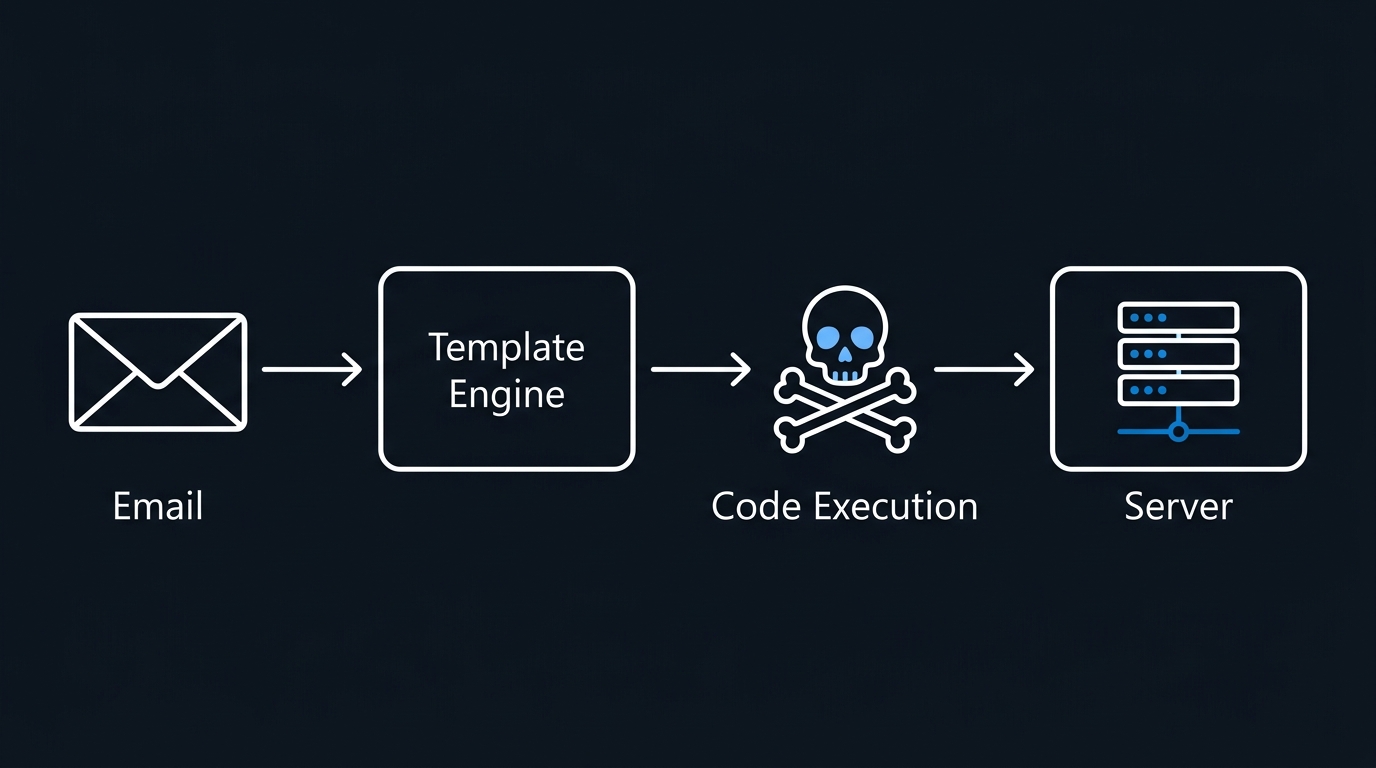
StyleSmuggler is a zero-day remote code execution vulnerability in Adobe Commerce, Adobe Commerce B2B, and Magento Open Source that injects PHP code through the email template engine. An unauthenticated attacker can trigger a payment failure email, which poisoned templates render as executable code — turning a "your payment failed" email pipeline into a direct code execution path.
Sansec's research confirms that exploitation began on September 4, 2026 at 22:20 UTC, with Rust-based backdoors and PHP web shells deployed on compromised stores. The vulnerability received the maximum CVSS score of 10.0 (NVD: CVE-2026-75650) and was added to CISA's Known Exploited Vulnerabilities (KEV) catalog on September 8, with a federal deadline to patch by September 11.
Who is exposed
Every version from 2.4.4 through 2.4.9 is vulnerable — Magento Open Source, Adobe Commerce, and Adobe Commerce B2B across that range. Verify your current version:
# In the Magento root directory
php bin/magento --version
# or via Composer (note the slash: the package is magento/product-*, not magento-product)
composer show magento/product-community-edition
# Enterprise/Adobe Commerce installs use magento/product-enterprise-edition instead
If the output shows 2.4.4, 2.4.5, 2.4.6, 2.4.7, 2.4.8, or 2.4.9, you are exposed and require immediate patching.
Fix version and hotfix
Adobe released the VULN-39341-composer-patches.zip hotfix on September 7, 2026, as part of security bulletin APSB26-146 (Priority 1). Apply the hotfix immediately — do not wait for the next quarterly release. Adobe's security bulletin provides hotfix packages and detailed installation steps. The hotfix patches the template injection point without requiring a full version upgrade.
Detection and interim mitigation
Search your web server logs for suspicious payment-failure email rendering patterns. Look for:
# Grep Apache/Nginx logs for POST requests with 'payment' or 'failed' and unusual parameter sizes
grep -i "payment\|failed" /var/log/apache2/access.log | awk '{print $1, $7, $10}' | grep -v "^[0-9]*$"
# Check for .php file modifications in the past 7 days in web root
find /var/www/magento -name "*.php" -mtime -7 -exec ls -lh {} \;
# Look for web shells in common upload directories
find /var/www/magento/media -name "*.php" -o -name "*.phtml" -o -name "*.php5"
Monitor for suspicious database queries writing to the email_template or core_config_data tables, and watch for unusual child processes spawned by PHP-FPM. Any shell finding means your store has been compromised; proceed to incident response protocols before resuming normal operations.
N-able N-central CVE-2026-86218: Why Hotfix 3 Is Not Enough
N-able has released four hotfixes in five weeks for its RMM platform. The latest, Hotfix 4, patches CVE-2026-86218, a static code injection vulnerability (CWE-96) that allows an unauthenticated attacker to execute arbitrary code on an N-central server. Like the Adobe flaw, CISA added it to the KEV catalog on September 8, with the same September 11 remediation deadline.
The CVSS score is 10.0 — maximum severity. N-able's Hotfix 4 release notes initially stated "we have no confirmations that this vulnerability has been exploited in production environments." On September 9, N-able updated its security advisory to confirm "we've observed a handful of successful exploits against N-central customers." Separately — and this part rests on press reporting of a third party's investigation, not a vendor statement — The Hacker News reported that Huntress investigated a customer's N-central environment compromised on September 4, two days before the patch shipped, though Huntress said it could not confirm the compromise used this specific CVE due to log rotation.
Affected versions and the Hotfix 3 trap
N-able released Hotfix 4 on September 6, 2026, bringing N-central 2026.3 to build 2026.3.1.14. The critical trap: if your server is already patched to Hotfix 3 (2026.3.1.13), it is still vulnerable. Hotfix 3 fixed two unrelated flaws — CVE-2026-86206 (access control filter bypass) and CVE-2026-86207 (authentication bypass) — not CVE-2026-86218, which N-able discovered afterward. Many MSPs installed Hotfix 3, closed the ticket, and have no mechanism to know a fourth, unrelated CVE arrived days later.
Check your N-central version:
# From the N-central web console: Administration -> About N-central shows the current build
# On-premises deployments: confirm the same build number after upgrading
Versions 2026.3.1.13 and below require Hotfix 4. If you are at 2026.3.1.14 or higher, you are patched against CVE-2026-86218.
Interim detection
Monitor N-central logs for unusual POST requests to endpoints that handle configuration, user provisioning, or report generation. Look for:
- Unauthenticated requests to API endpoints
- Requests with null or missing authentication headers
- POST bodies containing code, shell commands, or PHP/PowerShell syntax
- Log file size spikes in the N-central log directory
Check for unauthorized administrator accounts created after September 4. N-central's database schema isn't publicly documented, so don't guess table names against production — pull the list through the product itself, from the web console's Administration -> User Management view sorted by creation date, or ask N-able support for the supported way to query recent account creates if you need it at the database level.
PEEP: Chromium Post-Exploitation Backdoor
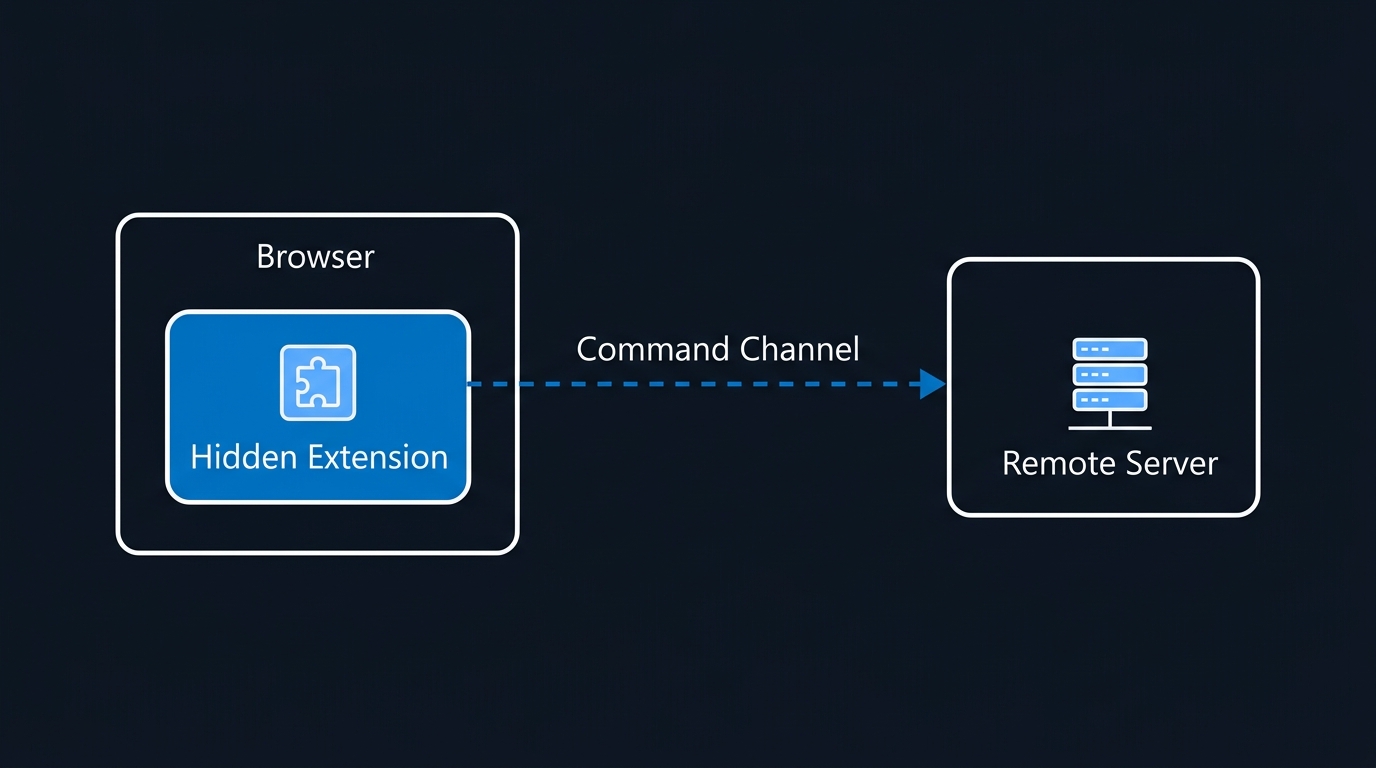
PEEP is a sophisticated post-exploitation toolkit disguised as a browser bookmarks manager. Unlike typical browser malware, PEEP is not a credential stealer — it is a command shell embedded in the browser that grants attackers host-level command execution without needing file-system access or process injection.
SOCRadar's original research — covered in the press by The Hacker News — reveals that PEEP operates as a Chromium extension masquerading as "Smart Bookmarks" (Extension ID: ejkndncpkdcjcikfhiamcdehdoegilbj). It requires prior administrative access or code execution to install, then polls its command-and-control server every 30 seconds over plaintext HTTP for new directives.
How PEEP works
The extension injects itself directly into Chrome and Edge user profiles, bypassing the Web Store and user prompts by forging Chromium's own Secure Preferences integrity values. Once installed, it:
- Steals browsing history, cookies, and session tokens
- Executes shell commands on the host via a native messaging bridge
- Enumerates processes and manipulates files
- Collects IP addresses and system metadata
- Modifies web pages in-flight to harvest credentials
The distinguishing feature: shell command execution running through the browser, reporting results back through HTTP polling to a C2 server. An attacker with PEEP installed needs no RDP, no web shell, no direct process access — just the browser.
Detection and fleet enumeration
PEEP installation requires prior compromise (malware, supply chain, insider). Detection focuses on finding the extension across your fleet before the attacker activates commands.
On a single device (PowerShell):
# Check Chrome and Edge extension directories
$profiles = @(
  "$env:LOCALAPPDATA\Google\Chrome\User Data\Default\Extensions",
  "$env:LOCALAPPDATA\Google\Chrome\User Data\Profile *\Extensions",
  "$env:LOCALAPPDATA\Microsoft\Edge\User Data\Default\Extensions",
  "$env:LOCALAPPDATA\Microsoft\Edge\User Data\Profile *\Extensions"
)

foreach ($profile in $profiles) {
  if (Test-Path $profile) {
    Get-ChildItem $profile -ErrorAction SilentlyContinue | Where-Object { $_.Name -match "^ejkndncp" }
  }
}
# Check Chrome Secure Preferences for the extension entry
$securePrefsPath = "$env:LOCALAPPDATA\Google\Chrome\User Data\Default\Secure Preferences"
if (Test-Path $securePrefsPath) {
  (Get-Content $securePrefsPath | ConvertFrom-Json).extensions.settings.PSObject.Properties |
    Where-Object { $_.Name -match "ejkndncp" }
}
Fleet-wide containment: because PEEP sideloads rather than installing through the Web Store, the reliable fleet-wide control is Chrome/Edge's extension blocklist policy, which disables an extension by ID even when it is already present in a profile:
Group Policy: Computer Configuration -> Policies -> Administrative Templates ->
  Google > Google Chrome > Extensions > "Configure extension installation blocklist"
  (ExtensionInstallBlocklist policy) — add ejkndncpkdcjcikfhiamcdehdoegilbj
Microsoft Edge ships the equivalent policy under Microsoft Edge > Extensions
To find out how many machines already have it installed, rather than just blocking new installs, use your fleet's own extension inventory: Microsoft Defender Vulnerability Management's Browser extensions page (Endpoints -> Vulnerability management -> Inventories -> Browser extensions) lists every extension across Chrome, Edge, and Firefox in your organisation, including which devices have it and whether it's enabled — search it for the ejkndncp... extension ID. If you don't run Defender Vulnerability Management, check whatever your EDR or MDM platform calls its equivalent browser-extension inventory.
Behavioral signal: Monitor for unencrypted HTTP traffic from chrome.exe or msedge.exe to unknown C2 domains. Use network monitoring or EDR telemetry to flag HTTP callbacks every 30 seconds from browser processes.
Which Emergency Patches to Apply First in September 2026
The triage order matters because each of these September 2026 emergency patches feeds into the next. If you are an MSP, N-central patches first — it is your control plane. If you host e-commerce, Adobe Commerce patches before you detect and hunt for shells. PEEP is a detection-and-escalate, not a patch-and-verify. For the Microsoft side of the month, see our September 2026 Patch Tuesday triage.
Pitfalls That Trap Operational Teams
Adobe Commerce pitfall: Using composer show magento/product-community-edition to verify you are on 2.4.9. The package version may not update if you installed Magento via alternative methods. Always use php bin/magento --version to confirm the actual binary in use.
N-able pitfall: Installing Hotfix 4 on a server already at Hotfix 3 and considering the ticket closed. Hotfix 4 is cumulative, but CVE-2026-86218 is an unrelated vulnerability discovered after Hotfix 3 shipped — Hotfix 3 never addressed it. Verify build 2026.3.1.14; build 2026.3.1.13 is still exploitable. Hosted N-central (NCOD) instances receive hotfixes automatically; on-premises deployments must be upgraded manually — confirm which lane your instance is on.
PEEP pitfall: Assuming Edge is safe because Chrome was named in the advisory. PEEP explicitly targets both Chromium-based browsers. Scanning Chrome and skipping Edge leaves the backdoor installed. Check both.
Cross-vendor pitfall: Treating each patch independently. These three emerged in the same week and feed different attack chains — web compromise, RMM takeover, and post-compromise persistence. A single attacker could be using all three in the same campaign. If you find evidence of one, hunt for the others.
The sequence that works: patch the control plane first (N-central), then the external-facing systems (e-commerce), then hunt for persistence (PEEP). Doing it in reverse leaves you patching infrastructure that may already be compromised.
Sources
Primary
- Adobe Security Bulletin APSB26-146
- NVD: CVE-2026-75650
- N-able N-central 2026.3 Hotfix 4 Release Notes
- N-able Security Advisory: N-central Security Hotfix
- N-able Status: N-central 2026.3 Hotfix 4 – CVE-2026-86218
- NVD: CVE-2026-86218
- CISA Known Exploited Vulnerabilities Catalog
- SOCRadar: PEEP — A Browser RAT Posing as a Chrome Extension
- Sansec: StyleSmuggler (CVE-2026-75650) Magento and Adobe Commerce 0-day RCE under active attack
Secondary (press coverage)
- The Hacker News: N-able Issues Fourth N-central Hotfix in Five Weeks for Unauthenticated RCE Flaw
- The Hacker News: PEEP Turns Chrome and Edge Into Post-Compromise Backdoors

Leave a Reply