
Every Azure architect eventually faces the same conversation: "We need load balancing." Thirty minutes later, three whiteboards are covered in overlapping circles labelled Front Door, Application Gateway, and Traffic Manager, and nobody can agree on which one to deploy — or whether you need all three.
The confusion is understandable. Microsoft has converged these services toward each other over several product generations, and marketing language like "global HTTP load balancer" applies, in some sense, to more than one of them. The practical differences are real and consequential, though: pick the wrong layer and you will either over-pay for capability you cannot use, or hit a scaling wall at 3 a.m. on a traffic spike.
This article cuts through the surface similarities. You will walk away with a clear model of what each service actually does, where they genuinely overlap, and a concrete decision framework for choosing the right one (or combination) for your architecture.
The Decision at Stake
Before comparing services, anchor on the question each service was designed to answer:
| Service | Core question answered |
|---|---|
| Azure Front Door | How do I route HTTP/S traffic globally, accelerate delivery, and apply WAF at the edge? |
| Application Gateway | How do I load-balance HTTP/S traffic within a single region with deep Layer-7 awareness? |
| Traffic Manager | How do I route DNS queries to the best regional endpoint based on health and policy? |
These are not the same question. When your requirement genuinely spans all three — global DNS steering, regional HTTP load balancing, and edge WAF — the answer is often to use all three in a layered topology. When your workload is a single-region web app, Application Gateway alone may be sufficient and significantly cheaper.
Service Anatomy
Azure Front Door
Front Door operates at the edge of Microsoft's global WAN — currently 192+ points of presence — and terminates HTTPS connections there. The connection between Front Door and your origin travels Microsoft's backbone rather than the public internet, which is the source of its latency advantage.
Front Door Standard/Premium (the current SKU, replacing Classic) bundles:
- Anycast-based global load balancing across origins in multiple regions
- Integrated WAF with OWASP rule sets, rate limiting, and bot management
- CDN caching for static and semi-static content
- URL-based routing, path rewrites, redirects, and header manipulation
- Private Link origin support (Premium SKU) for zero-public-exposure backends
Front Door is an HTTP/S-only service. It has no awareness of TCP or UDP traffic, and it does not sit inside your virtual network — it is a PaaS boundary service. Your origins receive traffic from Front Door's published IP ranges, which you enforce via origin group lock-down.
Application Gateway
Application Gateway is a regional, virtual-network-integrated Layer-7 load balancer. It terminates TLS inside your VNet, which means it can decrypt, inspect, and route traffic to private backends — App Service Environments, AKS clusters, VMs — without those backends being reachable from the public internet at all.
The v2 SKU (the only SKU you should be deploying as of 2024) adds:
- Autoscaling up to 125 capacity units
- Zone redundancy across availability zones
- WAF v2 with per-site and per-URI policy support
- AKS Ingress Controller (AGIC) for Kubernetes-native integration
- mTLS for client-certificate authentication
- Private frontend IP for purely internal load balancing
Application Gateway runs inside a dedicated subnet — /24 minimum recommended, /26 absolute minimum — and scales within a single Azure region. It cannot route across regions.
Traffic Manager
Traffic Manager operates at DNS. It does not sit in the data path at all: it answers DNS queries with the IP address of the most appropriate endpoint, and then your client connects directly to that endpoint. Failover and geographic routing happen at the DNS resolution layer.
Traffic Manager supports six routing methods:
- Priority — active/passive failover
- Weighted — proportional traffic split
- Performance — lowest-latency endpoint wins
- Geographic — GDPR/data-residency compliance routing
- Multivalue — return multiple healthy endpoints
- Subnet — map client IP ranges to specific endpoints
Because Traffic Manager is DNS-based, it is protocol-agnostic. You can use it to route to web apps, storage accounts, Azure public IPs, or even on-premises endpoints. The trade-off is that it has no Layer-7 awareness, no WAF, no request inspection, and no connection acceleration — it simply steers DNS.
Head-to-Head: The Dimensions That Actually Matter
Geographic Scope
Front Door:     Global (edge PoPs, cross-region failover, global WAF)
App Gateway:    Regional (single region, VNet-bound)
Traffic Manager: Global (DNS-layer, protocol-agnostic)
If your primary driver is multi-region active-active or active-passive failover for HTTP workloads, Front Door is the right answer. Traffic Manager can achieve multi-region failover for any protocol, but at the cost of DNS TTL delays (minimum 0 seconds, practical floor ~30 seconds for client resolver compliance) and no connection-level intelligence.
Layer-7 vs DNS
The most misunderstood distinction: Front Door and Application Gateway both speak HTTP/S natively and can make routing decisions based on URL paths, hostnames, headers, and cookies. Traffic Manager cannot — it sees only the source IP and the DNS query.
Concretely: you cannot do cookie-based session affinity, URL rewriting, or SSL offload with Traffic Manager. Choosing it when you need those features is a design error.
WAF Placement
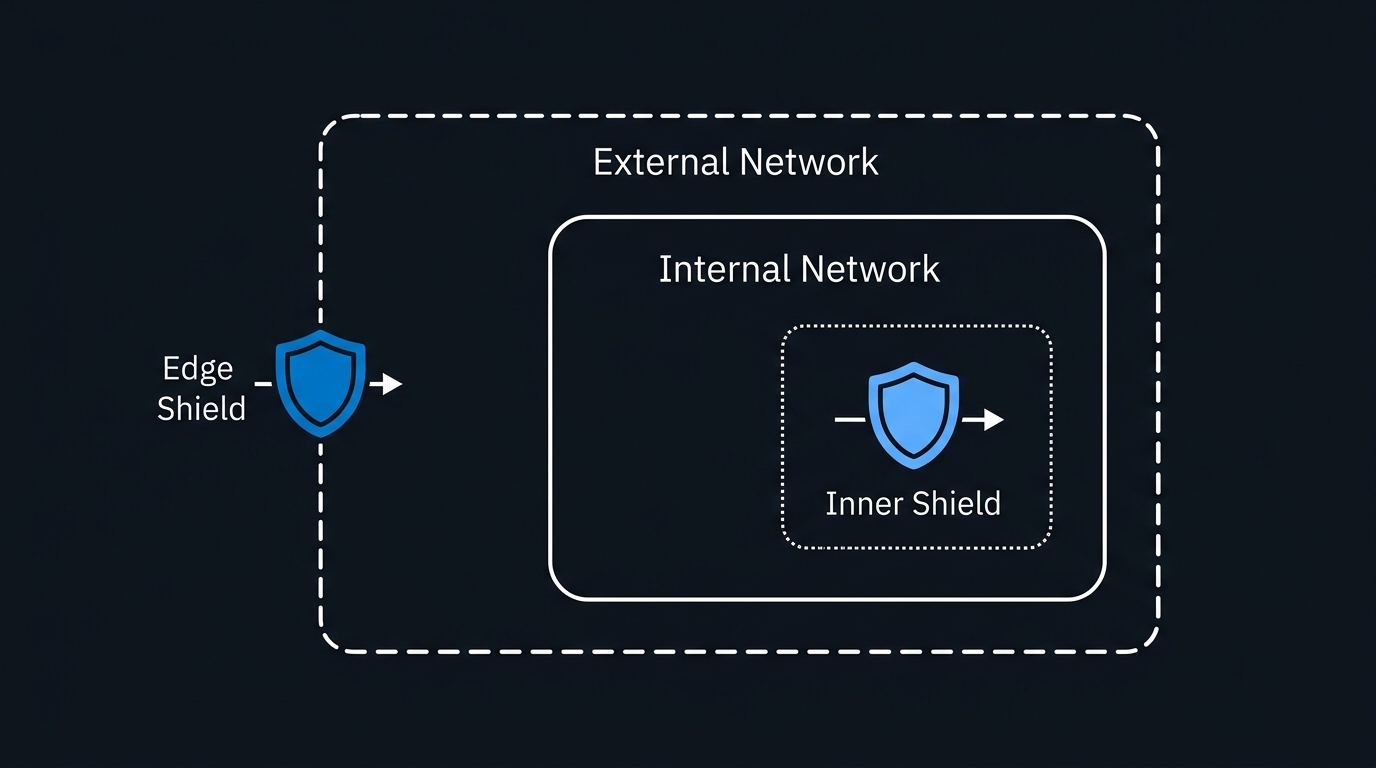
Both Front Door (Standard/Premium) and Application Gateway (v2 WAF SKU) ship with Azure WAF, but the scope differs:
| Dimension | Front Door WAF | Application Gateway WAF |
|---|---|---|
| Where it runs | Edge PoP (before traffic hits your region) | Inside your VNet |
| Protects | All traffic entering from the internet | Traffic reaching this specific gateway |
| Geo-blocking | Yes (country/region) | No native geo-blocking |
| Per-site policy | Yes | Yes (WAF v2 policy per listener) |
| DDoS integration | Native (volumetric absorbed at edge) | Relies on Azure DDoS Standard on VNet |
Running WAF at the edge (Front Door) means volumetric attack traffic is absorbed before it consumes regional compute or egress bandwidth. Running WAF on Application Gateway means you can inspect east-west traffic inside a region and apply fine-grained policies against backends that are not internet-facing. For high-security workloads, teams often run both: Front Door WAF for edge filtering, Application Gateway WAF as a defence-in-depth layer inside the VNet.
TLS Termination and mTLS
Application Gateway is the only service here that supports end-to-end TLS with full mTLS client certificate validation. If your compliance requirement is "no unencrypted traffic inside the network perimeter" or "validate client certificates before admitting traffic," Application Gateway is non-negotiable.
Front Door terminates TLS at the edge and re-originates HTTPS to your backends, but it does not forward client certificates. As of the Front Door Standard/Premium tier, the backend connection uses TLS 1.2+ and you can pin to a specific certificate on the origin, but mTLS to the origin is not supported.
Cost Model
This is where architects frequently get surprised:
Traffic Manager:    ~$0.54/million DNS queries + $0.36/month per endpoint health check
Application Gateway v2 (WAF): Fixed ~$0.443/hr + $0.008/capacity unit/hr
Front Door Standard: $35/month base + data-transfer pricing
Front Door Premium:  $330/month base + data-transfer pricing
Figures are indicative West US 2 pricing; verify current rates at the Azure pricing calculator.
For a single-region internal app, Application Gateway is almost always cheaper than Front Door. Front Door's value proposition materialises at scale: when you have multi-region backends, high static content ratios (cache hit rates cut origin egress), or need built-in DDoS absorption at the edge without purchasing DDoS Protection Standard separately.
Architecture Patterns
Pattern 1 — Single-Region Public Web App
Use Front Door for edge WAF, caching, and a stable anycast VIP. Use Application Gateway inside the VNet as a Kubernetes ingress or to do URL-path routing to multiple App Service apps. Lock down Application Gateway to only accept traffic from Front Door's service tag (AzureFrontDoor.Backend).
Pattern 2 — Multi-Region Active-Active
Front Door performs performance-based or latency-weighted routing across regions. Application Gateway handles per-region path routing and provides the WAF inspection layer inside each regional VNet. No Traffic Manager needed — Front Door subsumes its role for HTTP workloads.
Pattern 3 — Multi-Protocol Multi-Region
Use Traffic Manager when the workload includes non-HTTP protocols (SQL, MQTT, custom TCP) that Front Door cannot handle. Traffic Manager steers to the best regional cluster; Application Gateway handles HTTP/S inside each region.
Pitfalls to Avoid
Bypassing the Front Door origin lock-down. If your Application Gateway or App Service has a public IP, attackers can reach it directly and bypass your Front Door WAF entirely. Always add a WAF rule or NSG rule that allows only the AzureFrontDoor.Backend service tag on port 443. Validate this with curl -H "X-Forwarded-For: <spoofed IP>" https://<your-origin-directly> — a 403 or TCP timeout is the expected result.
Using Traffic Manager TTL as your SLA. Traffic Manager lets you set a DNS TTL as low as 0, but client resolvers and ISP resolvers cache aggressively. The real-world failover time is often 60–300 seconds even with a 30-second TTL. Do not design an RTO of 10 seconds on a Traffic Manager failover.
Deploying Application Gateway in a /28 subnet. Microsoft documents /24 as recommended; the hard minimum is /26 (64 addresses) for the v2 SKU under load. A /28 works at provisioning time but blocks autoscaling and triggers cryptic allocation errors under load. Pre-size correctly.
Treating Front Door Standard and Premium as interchangeable. Private Link origin support, advanced WAF rules (bot protection, rate limiting per rule), and Microsoft-managed DDoS protection are Premium-only. If your threat model requires bot management or your backend is a Private Endpoint, you need Premium from day one. Migrating between SKUs in production requires redeployment, not an in-place upgrade.
Ignoring the health probe budget. Traffic Manager charges per endpoint health check interval. With 30 endpoints and a 10-second probe interval, costs accumulate. Profile your expected endpoint count during design, not after the first invoice.
When to Choose Each Service
Choose Azure Front Door when:
- Your application serves users globally and latency percentiles matter
- You need edge WAF with DDoS absorption before traffic reaches a region
- Your content has meaningful cache-ability (even partial — API responses, images)
- You want a single stable anycast VIP with no regional IP management
- You are running multi-region active-active HTTP/S workloads
Choose Application Gateway when:
- All your backends are in a single Azure region
- You need VNet-integrated L7 load balancing (AKS ingress, internal app tiers)
- Your compliance requirement mandates mTLS or end-to-end encryption inside the network
- You need URL rewriting, cookie-based affinity, or custom error pages that Front Door does not expose
- You are running a purely internal application with no public-internet access requirement
Choose Traffic Manager when:
- You need multi-region routing for non-HTTP protocols
- Your endpoints include on-premises or third-party cloud destinations (Traffic Manager is cloud-agnostic at DNS)
- You need geographic routing for data-residency compliance across heterogeneous endpoint types
- You want a lightweight, low-cost failover mechanism for workloads where 30–60 second DNS TTL failover is acceptable
Use Front Door + Application Gateway together when:
- You need edge WAF/CDN (Front Door) combined with VNet-integrated path routing (Application Gateway)
- Your security posture requires defence-in-depth WAF at both the edge and the regional boundary
- You are running AKS with AGIC as the ingress controller behind a globally distributed front-end
Recommendation Matrix
| Scenario | Primary Service | Add-on |
|---|---|---|
| Single-region internal web app | Application Gateway v2 | — |
| Single-region public web app | Application Gateway v2 + WAF | Front Door Standard (optional CDN/edge WAF) |
| Multi-region public HTTP/S app | Front Door Standard/Premium | Application Gateway per region |
| Multi-protocol multi-region | Traffic Manager | Application Gateway (HTTP/S endpoints) |
| Strict data-residency (GDPR) HTTP | Front Door + Geographic WAF policy | Application Gateway per region |
| Multi-region non-HTTP failover | Traffic Manager | — |
| Zero-public-IP backend | Front Door Premium (Private Link) | Application Gateway (internal LB) |
| High-security (mTLS required) | Application Gateway v2 WAF | Front Door Premium (edge layer) |
What to Do Before You Commit
Before opening the Azure Portal or writing Bicep templates, answer these four questions:
-
Single region or multi-region? If single region, start with Application Gateway and add Front Door only if you have caching or edge-WAF requirements. If multi-region HTTP, start with Front Door.
-
HTTP/S only, or mixed protocols? Mixed protocols mean Traffic Manager must be in the picture. HTTP/S only and Front Door can handle global routing without it.
-
What is your mTLS or end-to-end TLS requirement? If client certificates must be validated by the load balancer, Application Gateway is mandatory regardless of other factors.
-
What is your WAF budget and threat model? Edge WAF (Front Door) is more cost-effective against volumetric attacks. Regional WAF (Application Gateway) adds cost but provides defence-in-depth and covers internal traffic paths that never touch Front Door.
The answer to "azure front door vs application gateway" is almost never either/or. These services occupy different OSI layers and different network positions. The productive question is which combination satisfies your topology, protocol, compliance, and cost constraints — and the four questions above will get you to an answer you can defend in an architecture review.

Leave a Reply